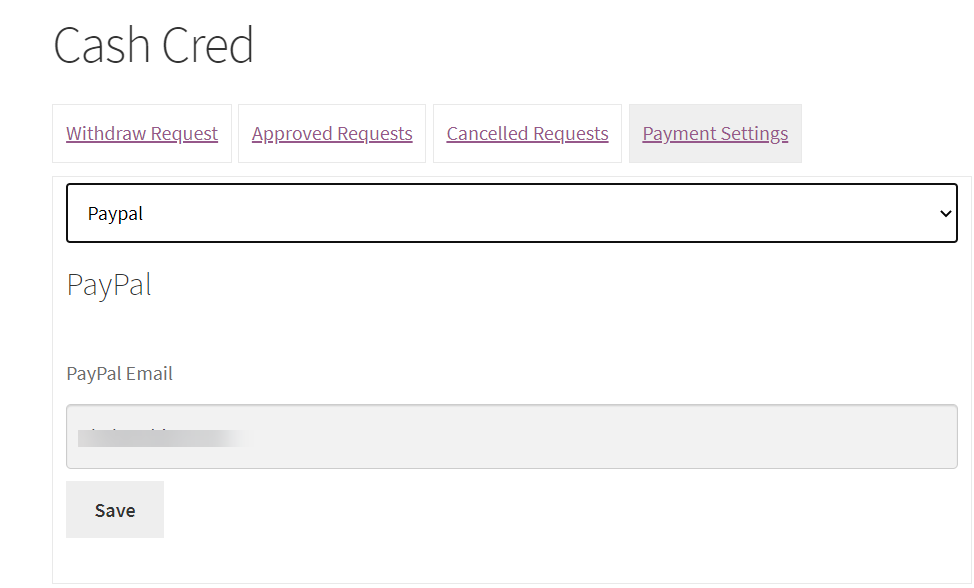
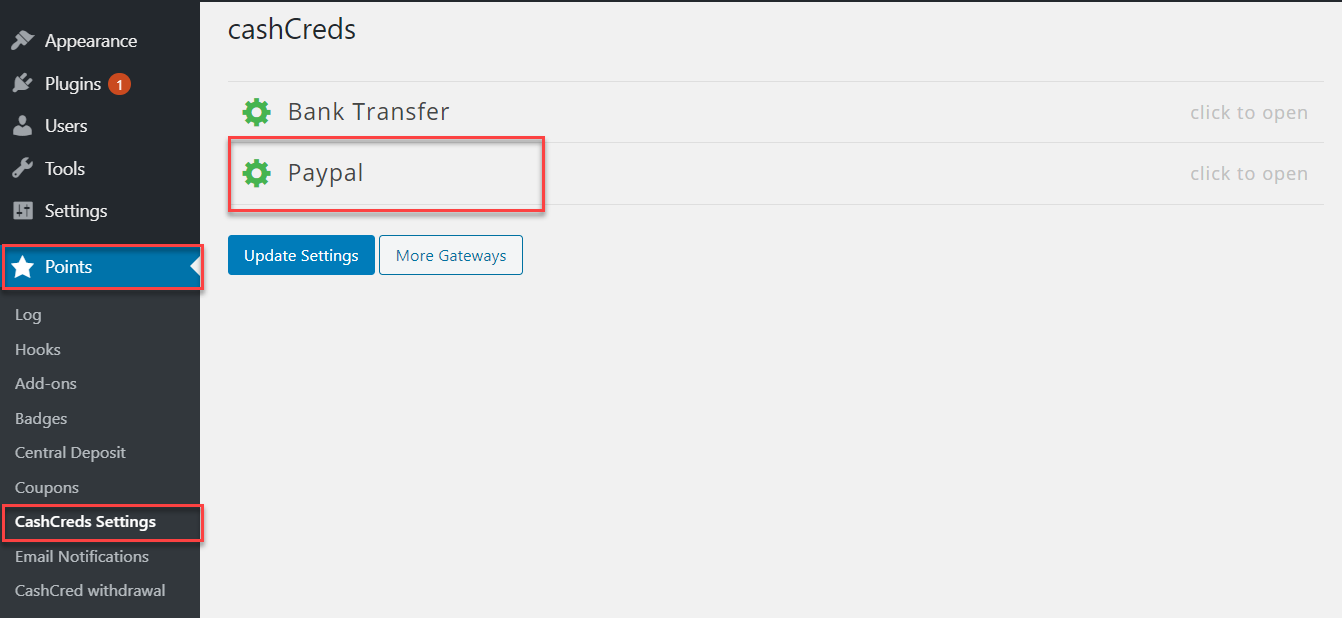
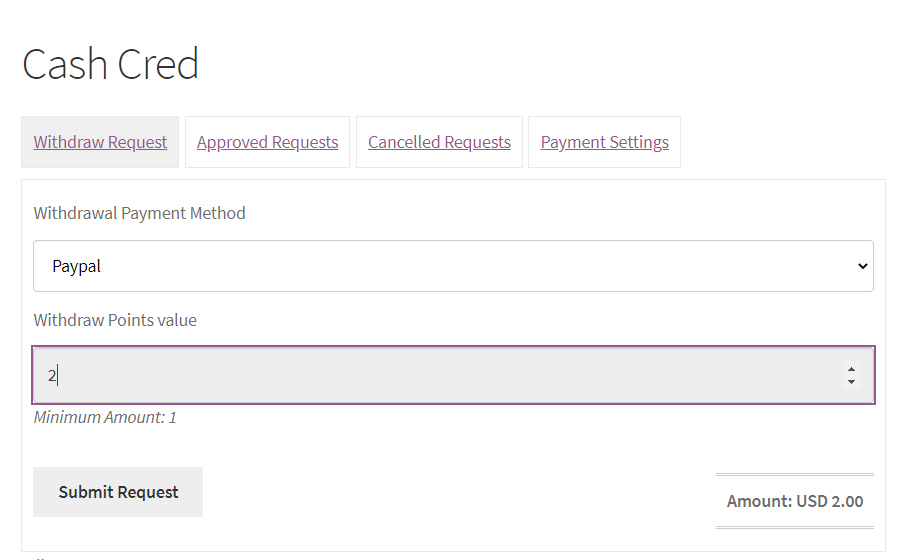
cashCred PayPal is a premium myCred addon that gives users the capability to redeem myCred points for real money and withdraw it using PayPal. Admin can send ‘Auto’ or ‘Manual’ requests to withdraw cash through PayPal.

cashCred PayPal
Features
Allows you to install and use this plugin on a single website or multisite installation.

Auto Withdrawal
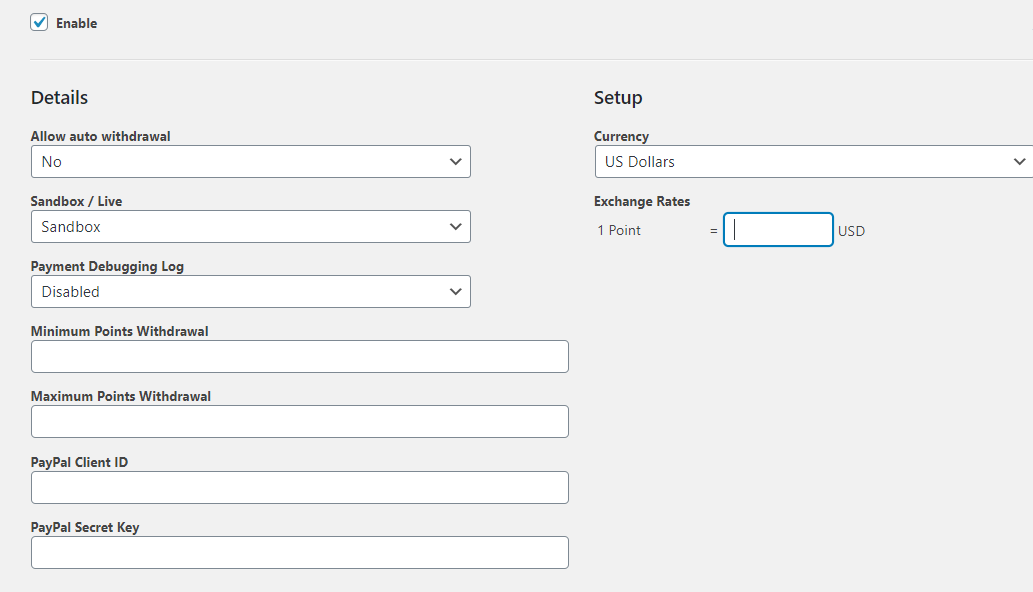
cashCred PayPal addon enables users to withdraw their money automatically using PayPal.

Manual Withdrawal
The admin can select ‘Manual Withdraw’ mode where users can send the manual requests to withdraw money.

Manual-Request Status
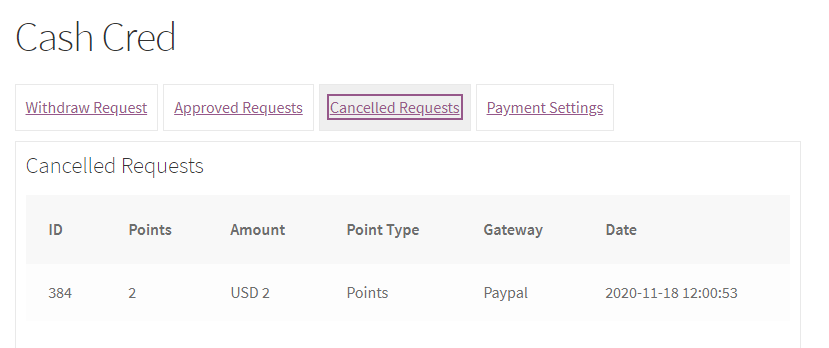
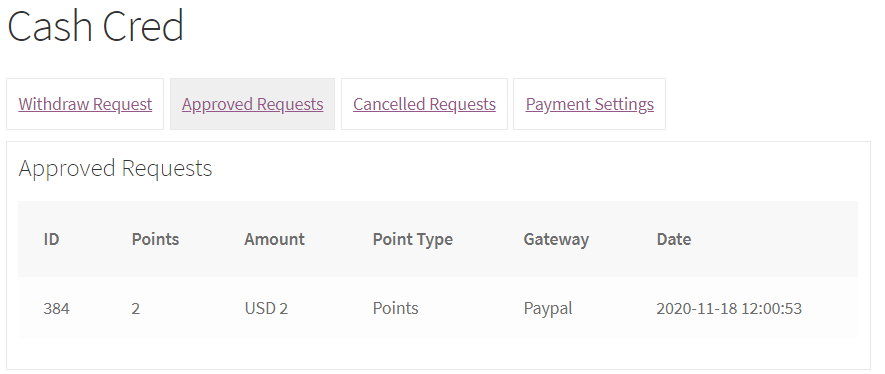
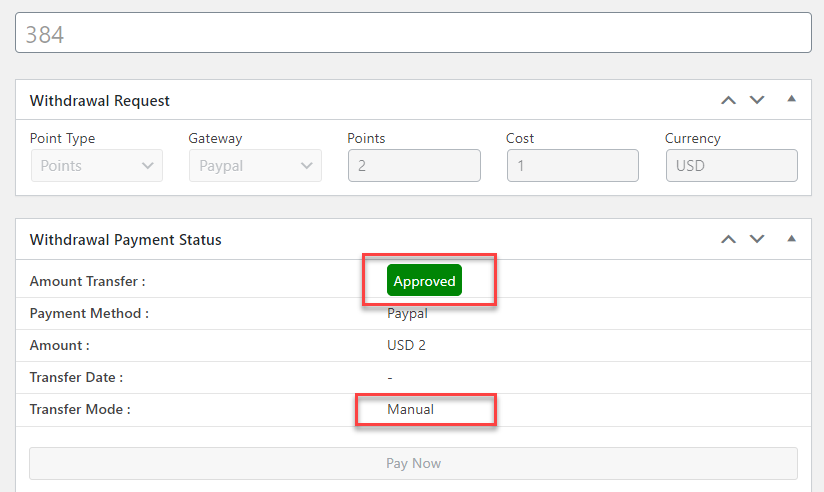
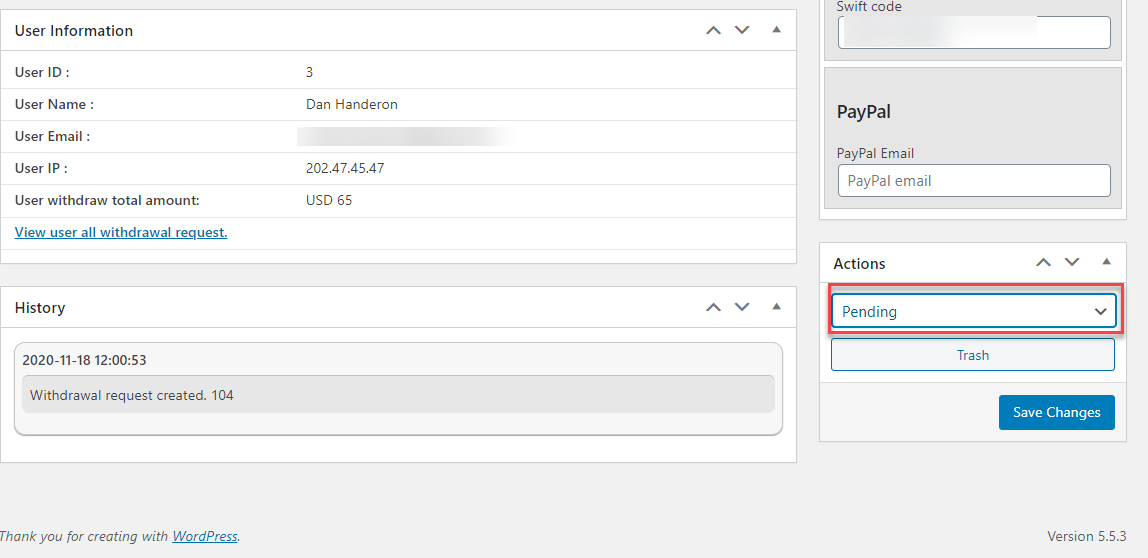
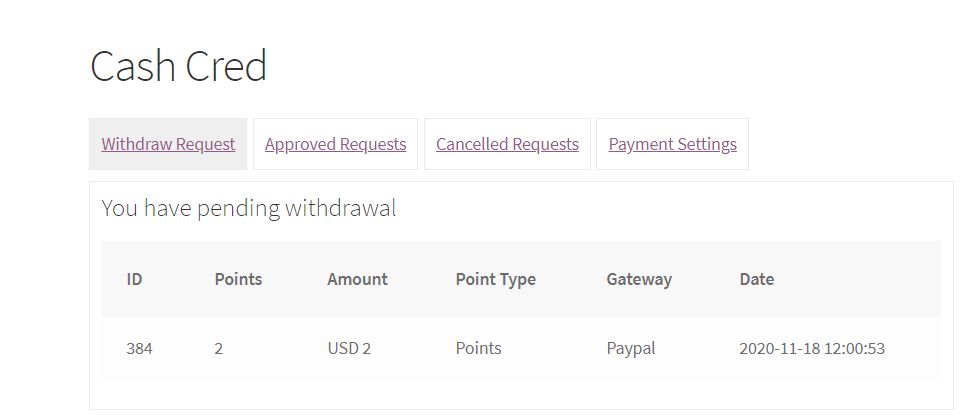
There are three ‘statuses’ available for withdrawing money in manual mode: ‘Pending’, ‘Approved’ and ‘Rejected’.

Minimum Points
Set ‘Minimum Points’ quantity restrictions against money withdrawal.

Maximum Points
Set ‘Maximum Points’ quantity restrictions against money withdrawal.

Currency Types & Exchange Rates
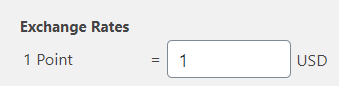
Configure ‘Currency Type’ & ‘Exchange Rate’ settings.

Custom Point Type
Create custom point type from the myCred settings page.

Debugging Log
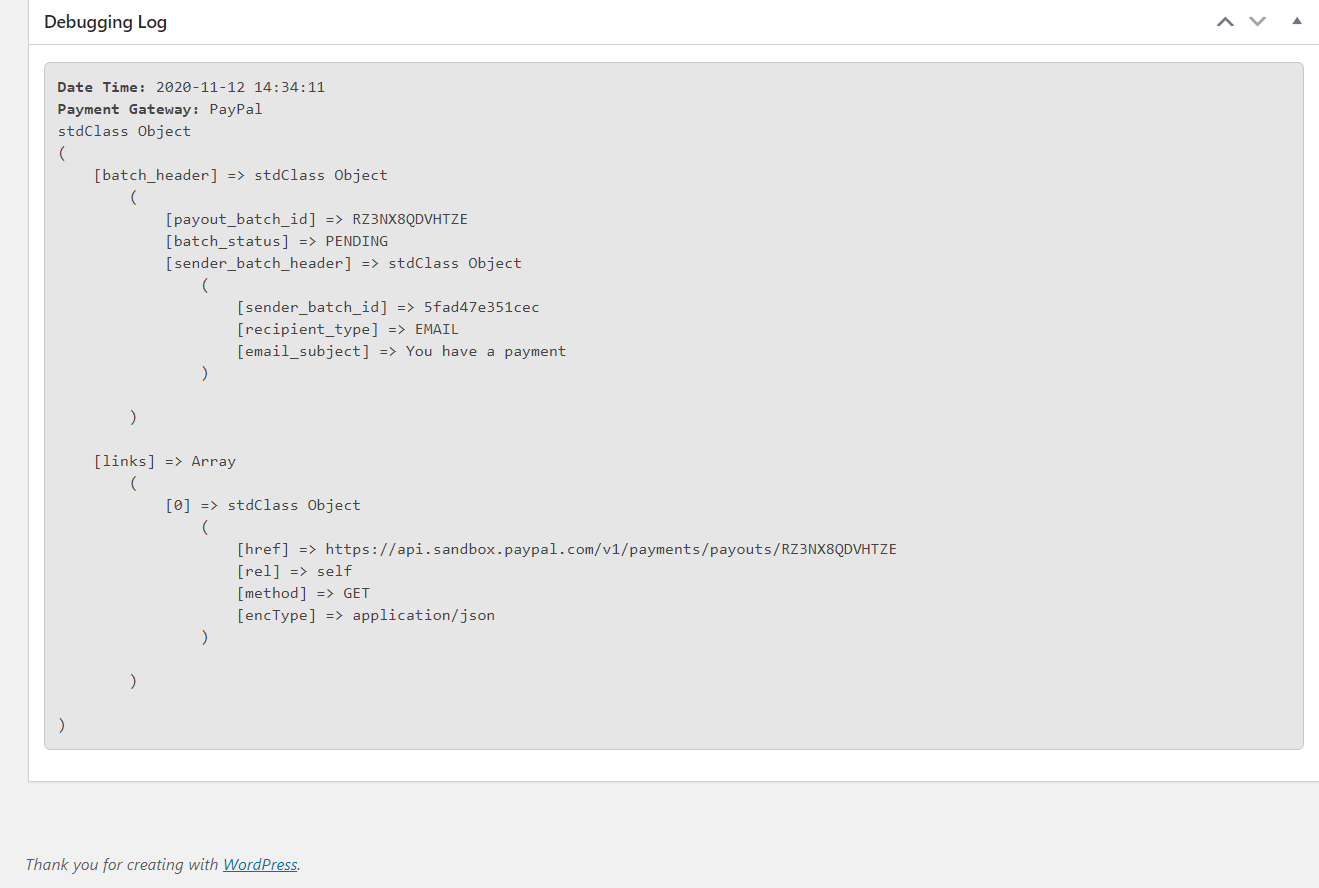
‘Debugging Log’ is a response to the requests that users send from the PayPal payment method. Admin can see the transaction results provided by PayPal payment gateway in the debugging log section.
cashCred PayPal is a premium myCred addon that gives users the capability to redeem myCred points for real money and withdraw it using PayPal. Admin can send ‘Auto’ or ‘Manual’ requests to withdraw cash through PayPal.
Installation Guide
- After downloading the plugin, install it on your WordPress system.
- Log in to your WordPress admin panel.
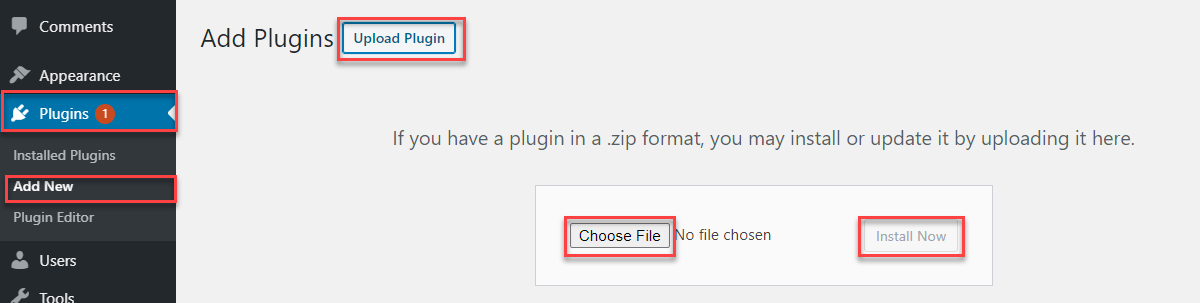
- Click on the Plugins tab on the left side menu.
- Click Add New.
- Click on Upload Plugin button at the top of page.
- Click on Choose File.
- Select the mycred zip file from the directory.
- Click install now.
- After uploading click the Activate Plugin button.
- That’s all. (You will now see the settings and hook in myCred hooks and settings).
To view the documentation
click here
- After downloading the plugin, install it on your WordPress system.
- Log in to your WordPress admin panel.
- Click on the Plugins tab on the left side menu.
- Click Add New.
- Click on Upload Plugin button at the top of page.
- Click on Choose File.
- Select the mycred zip file from the directory.
- Click install now.
- After uploading click the Activate Plugin button.
- That’s all. (You will now see the settings and hook in myCred hooks and settings).